Before you search: take a photo an app can read
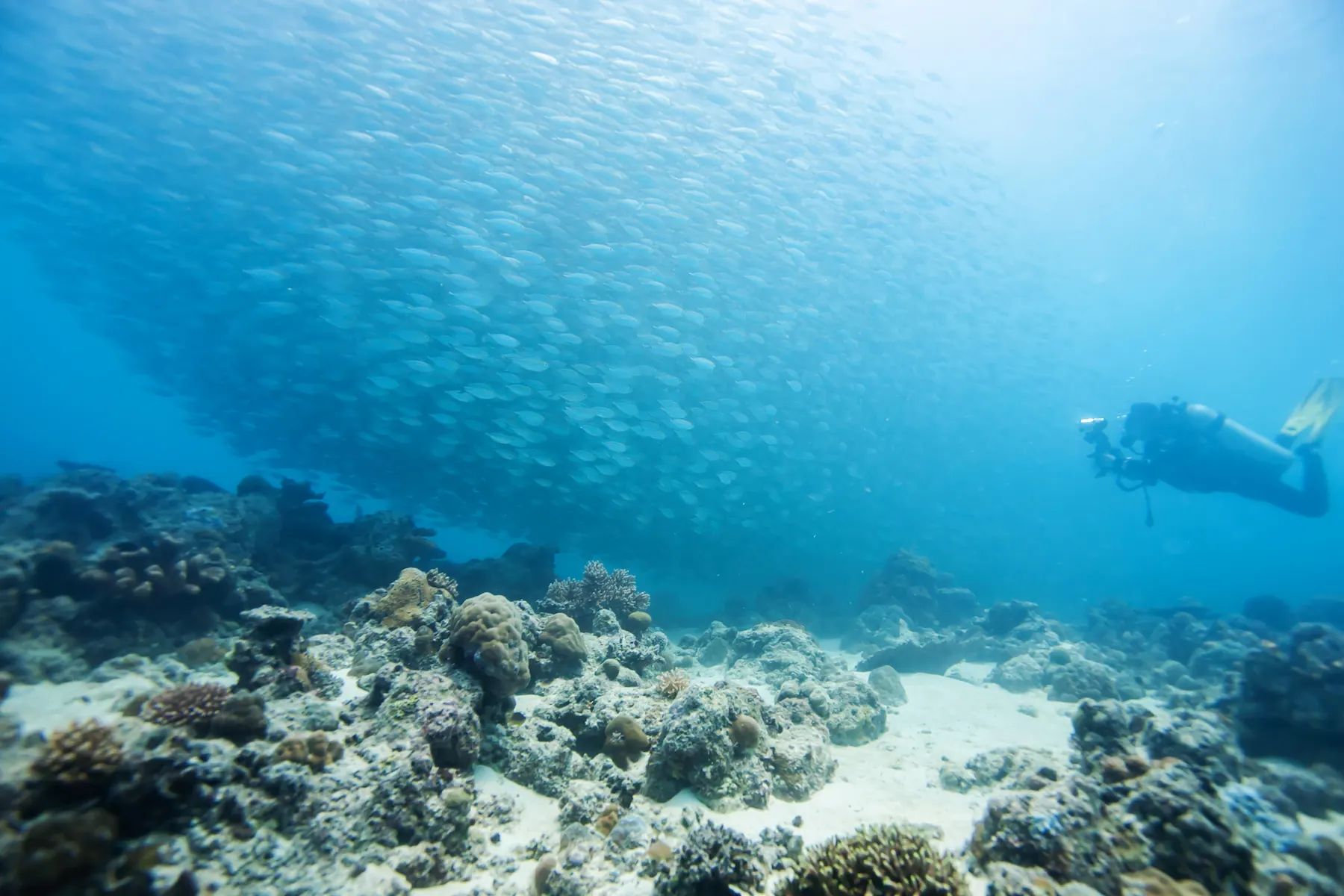
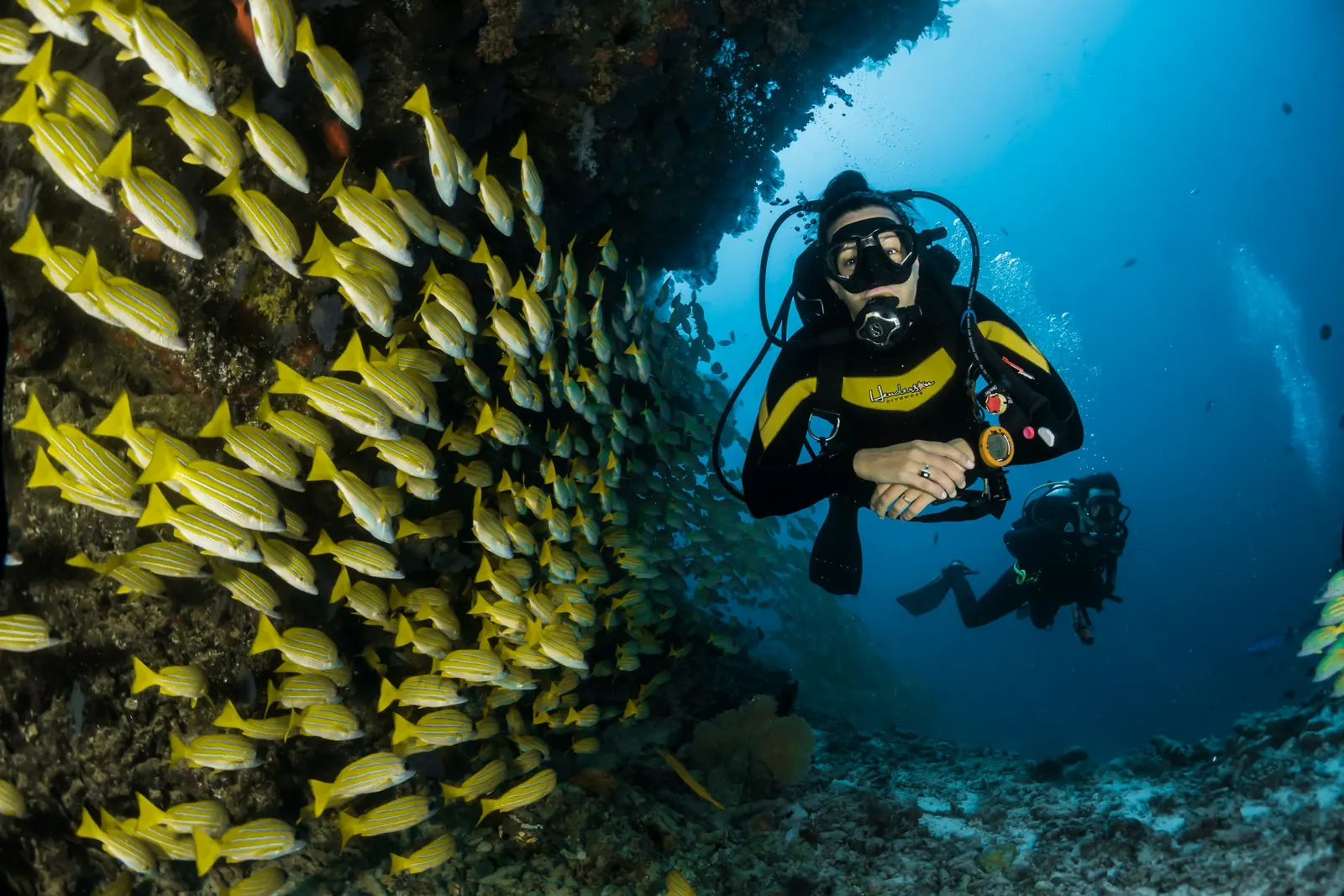
Most wrong answers start with the photo, not the app. Water removes red light, backscatter adds noise, and many reef animals are camouflaged on purpose. A model trained mostly on land animals and aquarium fish sees a blue blur and guesses.
Three habits help every app on this page:
- Shoot the whole animal from the side, with the fins and tail in the frame.
- Get close. Less water between the lens and the fish means more colour and more detail.
- Make the colours real with a light or a white balance setting. For many reef fish the difference between two species is one stripe or one spot.
Four ways to put a name on a fish
They are listed in the order we would try them with a photo from a dive or a snorkel.
1. A photo ID app built for divers
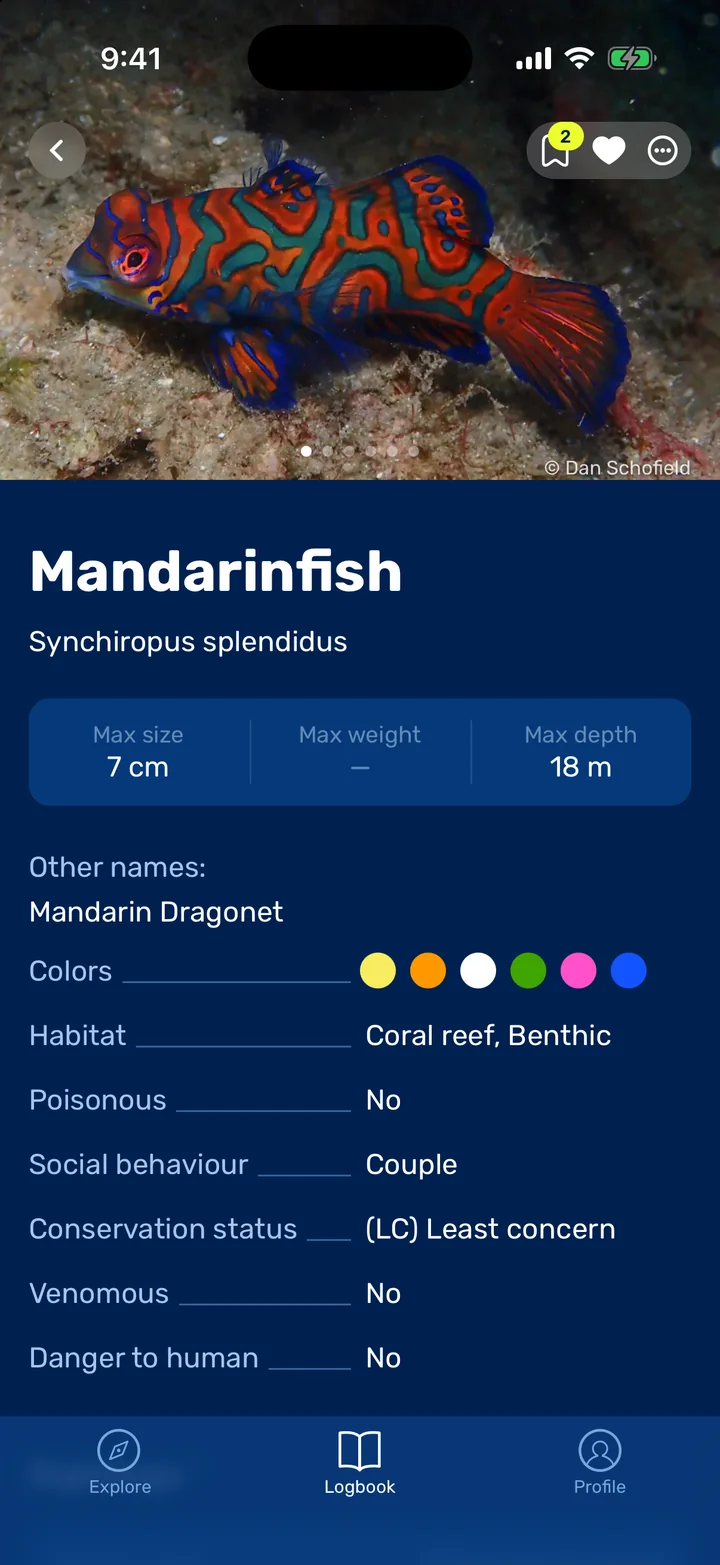
This is the fastest route for an underwater picture. In Seabook you pick the photo, and the answer opens a species page with photos, size, depth and the similar species side by side. That last part does the real work: when the first guess is wrong, the right fish is usually one tap away. In the test below, the urchin Seabook missed was its first alternative.
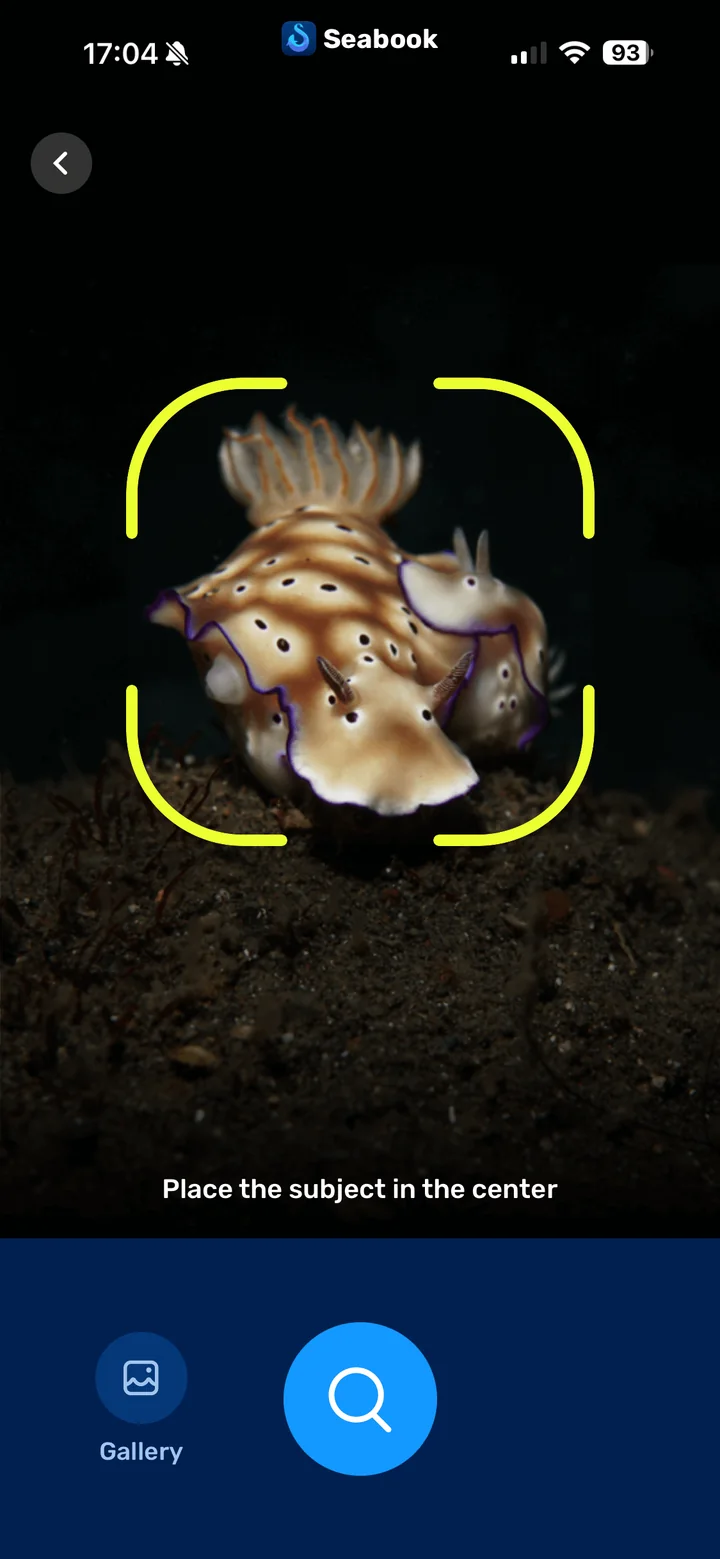
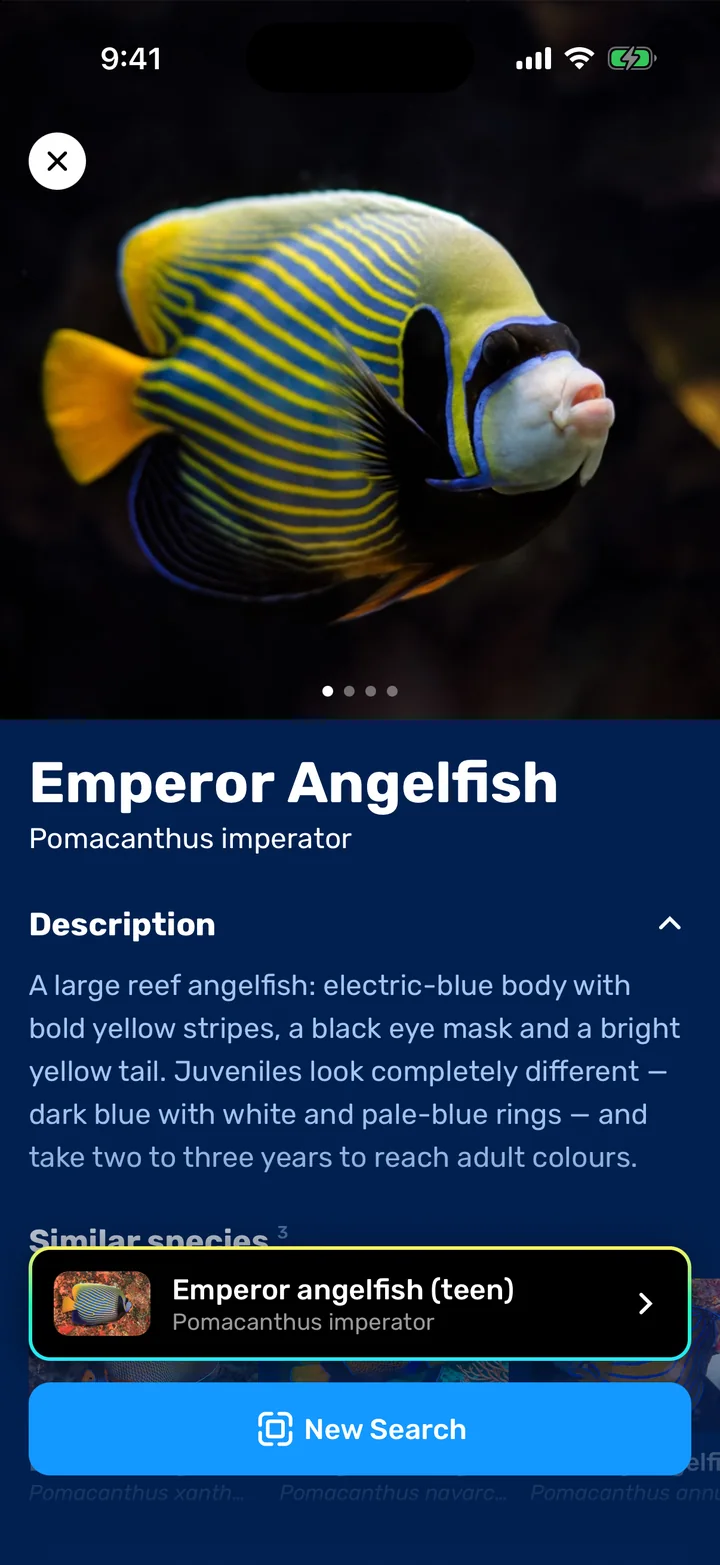
Seabook covers fish, invertebrates and corals, more than 2,000 marine species, so nudibranchs and shrimp are in scope. It also says so when there is no animal in the photo instead of inventing one, and it keeps each sighting in a dive log that imports dives from 108 dive computer models.
What you get for free: about 60% of the species pages, your photos and sightings, and the dive log. Premium, at $29.99 a year or $89.99 for life, opens the full guide and unlimited photo ID. Photo ID needs a connection; photos taken offline are identified once you are back online.
Fins - Fish ID is a newer app for divers with photo ID, a guided search for when you have no photo, and a dive log. In practice it is clunky, the dive log especially, and it needs a connection. Its species database is small: when we tried it, many photos got no answer at all.
2. Google Lens for a quick free lookup
Lens is free and already on most Android phones. Open your photo in it and you get a name and a list of web pages. It is good on familiar species: in the same test it named the clownfish, the ribbon eel and the peacock mantis shrimp. Its limits show on harder photos. Lens picks its own crop and sometimes focuses on the wrong thing, it gives you web results rather than a species page with look-alikes, and it keeps nothing: your photo, the answer and where you saw the animal are gone, so you never build a list of what you have seen.
3. iNaturalist: let people confirm it
iNaturalist is a free, nonprofit citizen science network with no ads. You post an observation, an AI suggests a species, and then real people check it. For a tricky photo, that human confirmation is something no app can match. The cost is time: for marine species it can take days. It is also slow to use: every observation is a form with date, place and details to fill in, so it suits people who already know they want to record observations, and its automatic suggestions on underwater photos are often vague or wrong. The web photo suggestions require an account, and the app keeps sightings but knows nothing about dives, depth or dive sites.
Seek by iNaturalist is the family version: no sign-up, a live camera and an on-device model that works without a connection. It is a good first nature app for a child on the beach, and weaker on photos already taken underwater.
4. A regional field guide app
When you know roughly what you saw and want to browse, a field guide still works. John Hoover's apps (Snorkel Fish Hawaii, Scuba Fish Hawaii and Easy Fish ID Caribbean) have expert-written notes, let you browse by colour, shape and family, and work offline, at $8.99 to $9.99 each. Whatfish is a guide to 1,300+ marine species that lives on your phone and searches by keyword. Neither identifies from a photo, and both are iPhone only.
How well does photo ID actually work?
Seabook ran a test with 11 photos from real dives, taken with a mirrorless camera and uploaded once, full frame, with no hints. Only the right species counted; the right genus did not. The set mixed easy subjects with the ones divers struggle with, plus one photo of a scuba tank with no animal at all.
Both apps got the clownfish, the ribbon eel, the whip coral shrimp and the electric clam, and both said the scuba tank was a tank. Seabook also named the long-spine porcupinefish (Lens said burrfish) and the Pikachu nudibranch (Lens stopped at the genus). Lens got the burrowing urchin that Seabook mistook for another urchin. Neither named the cockatoo flounder or the bobtail squid half buried in sand.
The lesson is that no app is reliable on camouflaged animals, so the list of look-alikes matters as much as the first answer. iNaturalist sat this round out because its web photo suggestions need a sign-in.
Source: Seabook's 2027 photo test — Best Fish Identifier Apps in 2027
Which app to use when
The same nine apps, matched to the situation you are in.
| App | Use it when | Photo ID | Works offline | Price |
|---|---|---|---|---|
| Seabook | You dive or snorkel and want the name, the look-alikes and a dive log | Yes | Species guide, with Offline Mode | Free, Premium from $29.99/yr |
| iNaturalist | You want people to confirm it, or it is not a sea creature | Yes | Partly | Free |
| Google Lens | You need a quick name for a well-known fish | Yes | No | Free |
| Seek by iNaturalist | You are on the beach with kids | Live camera | Yes | Free |
| Fins - Fish ID | You want to try a new diver app | Yes | No | Free, Pro $24.99/yr |
| John Hoover's guides | You dive Hawaii or the Caribbean and like to browse | No | Yes | $8.99 to $9.99 |
| Picture Fish | The fish lives in your aquarium | Yes | No | Free, Premium $29.99/yr |
| Fishbrain | You caught it on a line | Yes | No | Free, Premium $79.99/yr |
| Whatfish | You are offline and know roughly what it is | No | Yes | Free, $9.99 unlock |
Caught it, or keep it in a tank?
Not every mystery fish comes from a reef. Fishbrain is built for anglers, with a large community, a catch log, maps, forecasts and local fishing rules. Its Fish ID knows about 300 species, mostly game fish, so reef fish and invertebrates are out of scope. Picture Fish is aimed at aquarium keepers, with 2,500+ fresh and saltwater species and care tips. It has not been updated since 2025 on iOS and 2024 on Android, and most features sit behind Premium.
When the answer looks wrong
- Open the alternatives. Most mistakes are look-alikes. Compare the suggested species stripe by stripe and spot by spot.
- Fix the photo, then try again. A blue colour cast or a partial view is the usual cause. Correct the white balance and use a frame that shows the whole animal.
- Ask people. Flatfish on sand and squid showing only their eyes beat every app in the test. Post those on iNaturalist and wait for a confirmation.
Questions people ask
Can I identify a fish from a photo for free?
Yes. Google Lens, iNaturalist and Seek are free. Seabook is free to download, and about 60% of its 2,000+ species pages are free, along with the dive log. Premium unlocks the full guide and unlimited photo ID, and Offline Mode is a paid add-on.
Which app is most accurate on underwater photos?
In Seabook's test on 11 real dive photos, Seabook named 8 correctly and Google Lens 7. Both missed the hardest two, a bobtail squid in sand and a cockatoo flounder. Photo quality and how common the species is matter as much as the app.
Can I identify a fish without internet?
Seek runs its model on the phone. Seabook's species guide works offline with Offline Mode, and photos you take without a connection are identified once you are back online. John Hoover's guides and Whatfish work offline but have no photo ID. Google Lens needs a connection.
Does this work for nudibranchs, shrimp and corals?
General apps focus on fish. Seabook covers fish, invertebrates and corals, and in the test it named a Pikachu nudibranch and a whip coral shrimp correctly.
Sources
- Source: Seabook's 2027 photo test — Best Fish Identifier Apps in 2027. The 11-photo test, prices, ratings and full app reviews on this page come from it.
- iNaturalist forum: Seek vs iNaturalist app suggested ID
- Seabook on the App Store